
Most people picking their first web host spend more time reading comparisons than they will ever spend configuring the hosting itself.
The problem is that nearly every comparison reads the same way, listing features in parallel columns without saying anything useful about what it actually feels like to use the product.
A beginner looking to put up a simple WordPress site has a specific set of concerns: cost, ease of setup, reliable uptime, and support that treats basic questions with patience.
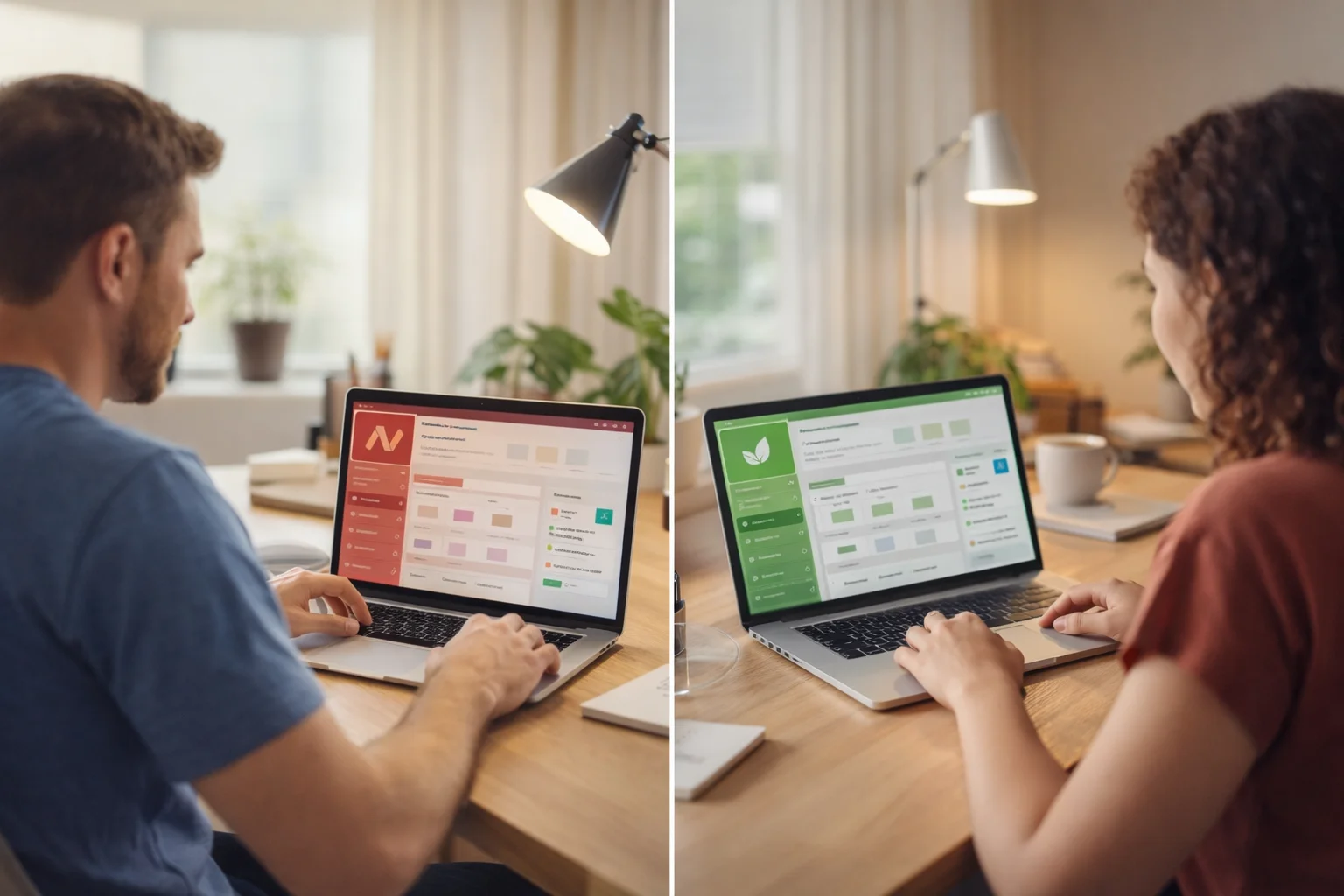
Namecheap’s EasyWP and GreenGeeks both serve that audience, but they do it with very different approaches to pricing, control panels, and what you get on day one.
This article breaks down both hosts against those specific beginner concerns so the decision becomes practical rather than theoretical.
How Each Host Prices Its Entry Plan?

GreenGeeks starts at $2.95/mo on its Lite plan during the introductory period. That price requires an annual commitment. Renewal pricing jumps to $12.95/mo, so the gap between what you pay in year one and year two is steep. Monthly billing is available but comes with a setup fee. Paying annually removes that fee and gives you the lowest rate.
Namecheap EasyWP Starter costs $9.88/mo with no introductory pricing tricks. The price you see at signup is the price you continue paying. There is no discounted first-year rate followed by a surprise renewal increase.
For someone budgeting their first year of hosting, GreenGeeks will cost less upfront. For someone who wants price consistency and prefers to avoid renewal sticker shock, Namecheap’s flat-rate model is straightforward.
| GreenGeeks Lite | Namecheap EasyWP Starter | |
| Intro price | $2.95/mo | $9.88/mo |
| Renewal price | $12.95/mo | $9.88/mo |
| Storage | 25 GB | 10 GB SSD |
| Free domain (1st year) | Yes | No |
| Free SSL | Yes | Yes |
| Free CDN | Yes | Yes |
| Automated backups | Nightly | Manual |
| Email hosting | Included | Sold separately |
| Sites per plan | 1 | 1 |
| Money-back guarantee | 30 days | 30-day free trial, no card needed |
What You Get on Day 1 Without Paying Extra?
GreenGeeks packs more into its entry-level plan. The Lite plan includes a free domain for the first year, nightly automated backups, free CDN, LiteSpeed caching, and unlimited email accounts.
Namecheap’s Starter plan includes free SSL and CDN but does not bundle a free domain, and backups are manual rather than automated. Email hosting is a separate purchase.
For a beginner setting up a personal blog or a small business site, having email and automated backups included from the start removes two common headaches.
With Namecheap, those are additions you need to think about and pay for on top of the base price.
GreenGeeks also includes an AI-powered website builder across its plans, which can generate a WordPress site in under 60 seconds. Namecheap does not offer integrated AI tools, though its Turbo and Supersonic plans include the Brizy Site Builder. The Starter plan does not include a builder.
Setting Up WordPress for the First Time
Both hosts have simplified the WordPress installation process to the point where technical knowledge is barely required.
Namecheap EasyWP promises WordPress deployment in 90 seconds.
The custom dashboard avoids traditional cPanel entirely, replacing it with a streamlined interface built around WordPress-specific tasks. Connecting a domain, adding SSL, and managing backups are all handled through a few clicks.
For someone who has never seen a cPanel before, this is a genuine advantage because there is nothing extra to confuse you.
GreenGeeks uses a traditional cPanel setup paired with a Quick Launch Wizard. The wizard walks beginners through site creation step by step, and the 1-click WordPress install keeps the technical barrier low.
The cPanel itself offers more control over things like PHP versions and databases, which matters less on day one but can matter later.
The trade-off is real. EasyWP’s simplicity means you cannot control PHP versions, database settings, or configure SFTP accounts in detail. GreenGeeks gives you more room to grow into the hosting, while EasyWP keeps everything deliberately limited to prevent confusion.
How the Servers Actually Perform?
Performance data from third-party testing sources gives a grounded picture of both hosts.
Namecheap EasyWP averaged 383ms in server response time over 12 months of monitoring by Hostingstep. During 7 consecutive days of testing by HostAdvice, EasyWP scored a GTmetrix grade of 99% on 6 of those days and hit 100% performance scores across all 7. Uptime over a 3-month period sat at approximately 99.9%.
GreenGeeks posted a 395ms server response time according to Hostingstep’s WordPress Hosting Benchmarks, placing it alongside A2 Hosting at the top of the shared hosting category.
BitCatcha measured GreenGeeks at 118.6ms average response time across 10 global locations. Under stress testing with 100 concurrent users, response time held at 26ms with zero errors.
Cybernews reported a Largest Contentful Paint of 1.2 seconds and a Fully Loaded Time of 1.6 seconds. GreenGeeks recorded 99.97% uptime over the past year, which works out to roughly 2 hours of total downtime across 12 months. WPBeginner’s hands-on testing found 100% uptime.
Both hosts perform well for a simple WordPress site. GreenGeeks holds a slight edge in uptime consistency and has more extensive third-party benchmarking available.
Getting Help When Something Goes Wrong
This is where the two hosts differ in a way that matters to beginners.
Namecheap offers 24/7 live chat. First contact goes through an AI bot named Suzy, but reaching a human agent is straightforward. Phone support is not available on any plan.
On Trustpilot, 540 customers have reviewed EasyWP, and recent reviews frequently mention patient, knowledgeable agents who take time with less technical users.
GreenGeeks provides 24/7 live chat, phone support daily from 9 AM to midnight Eastern, and a ticket system that averages 15-minute response times.
On Trustpilot, 1,547 customers have reviewed GreenGeeks with a 4.6 out of 5 rating. Over 80% of reviewers left 5-star ratings, with support quality being a recurring highlight.
For a beginner who would rather pick up the phone than type out a problem in a chat window, GreenGeeks is the only option between these two that offers that.
The availability of phone support alongside chat and tickets gives beginners more ways to get help in the format they are most comfortable with.
Where Your Site Lives?
GreenGeeks operates data centers in Chicago, Phoenix, Montreal, Toronto, Amsterdam, and Singapore. When you sign up, you pick the location closest to your target audience, which directly affects load times for your visitors.
Namecheap does not publicize the same level of data center selection for EasyWP. GreenGeeks gives you more geographic control over where your site is physically hosted.
The Environmental Angle
GreenGeeks matches 3 times the energy it pulls from the grid through renewable energy credits via the Bonneville Environmental Foundation.
For every hosting account created, GreenGeeks works with One Tree Planted to plant a tree. As of May 2025, the company has planted 50,000 trees.
The United States Environmental Protection Agency has recognized GreenGeeks for its sustainability commitment since 2009.
Namecheap does not promote a comparable environmental program.
If sustainability is a factor in your purchasing decision, GreenGeeks is the only one of these two hosts that has built its brand around it.
Things to Watch Out For
With Namecheap EasyWP: Each plan supports only 1 WordPress site. If you start a second project, you need a second plan. Email hosting is not included. The simplified dashboard limits what you can configure beyond basic WordPress management.
Deleting your website, SFTP access, and database access are handled through a small set of one-click options with no additional control.
With GreenGeeks: Renewal pricing can reach up to 4 times the introductory rate. Object caching and staging environments are only on higher-tier plans. The cPanel, while more capable, presents more options than a total beginner may need on day one.
Verdict
GreenGeeks is the stronger choice for a beginner who wants a simple WordPress site.
The Lite plan at $2.95/mo for the first year includes more out of the box: a free domain, automated nightly backups, email hosting, LiteSpeed caching, and a free CDN. Phone support is available for those who prefer voice communication.
Performance benchmarks from multiple third-party sources confirm reliable speeds and uptime above 99.9%.
The 6 data center locations let you place your site closer to your audience. And Hostingstep describes GreenGeeks as one of the greatest shared hosting services, consistently top performing since 2020.
Namecheap EasyWP is a solid host with genuinely transparent pricing and one of the simplest WordPress dashboards available.
For someone who values price predictability over initial savings and prefers a stripped-down interface with no extra options to worry about, it serves that purpose well.
But for the beginner who wants the most features, the most support channels, and the best performance data at the lowest starting cost, GreenGeeks is where the math and the benchmarks both point.

Leave a Reply